
How Print Flow Works
Understand how our software helps you detect, analyze, and manage printer-related configurations in a simple and structured way.
Step 1: Install & Launch
Download and open Print Flow on your system to begin the diagnostic process.
Step 2: Run System Scan
The software scans your device to detect connected printers, configurations, and potential issues.
Step 3: View Basic Results
Get an overview of detected devices and system status with limited insights in the free version.
Step 4: Unlock Full Insights
Upgrade your license to access detailed diagnostics, structured guidance, and full system analysis.
Step 5: Follow Guided Steps
Use step-by-step instructions to manage printer setup and locate official driver sources safely.
Step 6: Optimize Usage
Monitor system performance and maintain optimal printer functionality using insights provided.
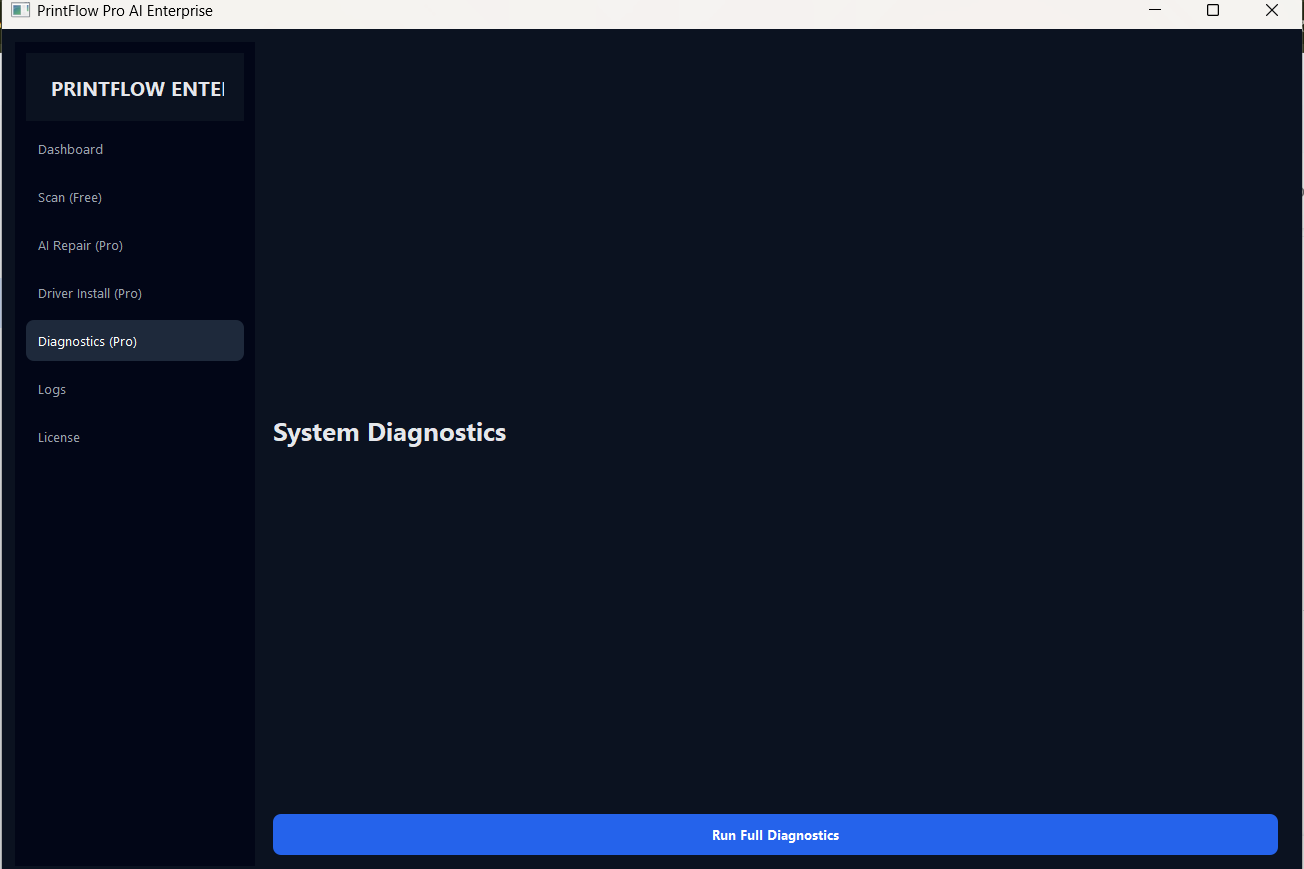
Premium Dashboard Preview
See how your detailed insights appear after activating your license
Get Started with Print Flow
Run your scan and explore detailed insights in just a few steps.
Get StartedPrint Flow is a diagnostic and guidance-based software tool. It does not directly modify system configurations without user action. Results may vary depending on system environment and usage.